Home > Consultant Tools > Combined Intelligence Dashboard
How Do I Create a Combined Intelligence Dashboard?
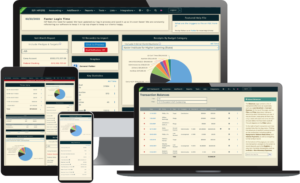
Combined Intelligence Dashboards allow consultants to view data from multiple client databases in a single dashboard. Dashboards are created and managed through the Combined Intelligence area within Consultant Tools.
Create a Combined Intelligence Dashboard
- Choose Consultant Tools, then select Combined Intelligence
- Select Add Dashboard
- Enter a name for the dashboard
- Add the widgets you want to display
- Save the dashboard
Available Widgets
The following widgets are currently available:
- API Stats Over Time – Displays API usage statistics over a selected time period
- Consolidated Accounts Payable – Displays accounts payable information across multiple client databases
- Consolidated Profit and Loss – Displays profit and loss data across multiple client databases
- Key Election Stats – Displays election-related statistics from participating databases
Access an Existing Dashboard
To access or manage an existing dashboard:
- Choose Consultant Tools, then select Combined Intelligence
- Locate the dashboard in the dashboard list
- Select the hotdog menu to the right of the dashboard name
- Choose Go to Dashboard