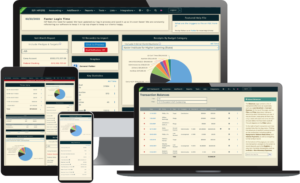
Similar to Key Stats for Individual records, Key Stats for consultants provides a robust overview of each database managed by the Firm.
In the main section, you’ll see multiple columns. These columns are sortable. Here you’ll be able to see various pieces of data, including record counts, aggregate financial information for Receipts and Disbursements, total receipts for the current year, total receipts for the previous year (January 1 – December 31 of the prior calendar year), as well as how many new transactions were added or edited in the last month.
At the bottom of the screen is an option to export the data to an Excel spreadsheet.
Also at the bottom of the screen is a button labeled Refresh Data. Click this to force the system to refresh and display the most current data.